
Introduction
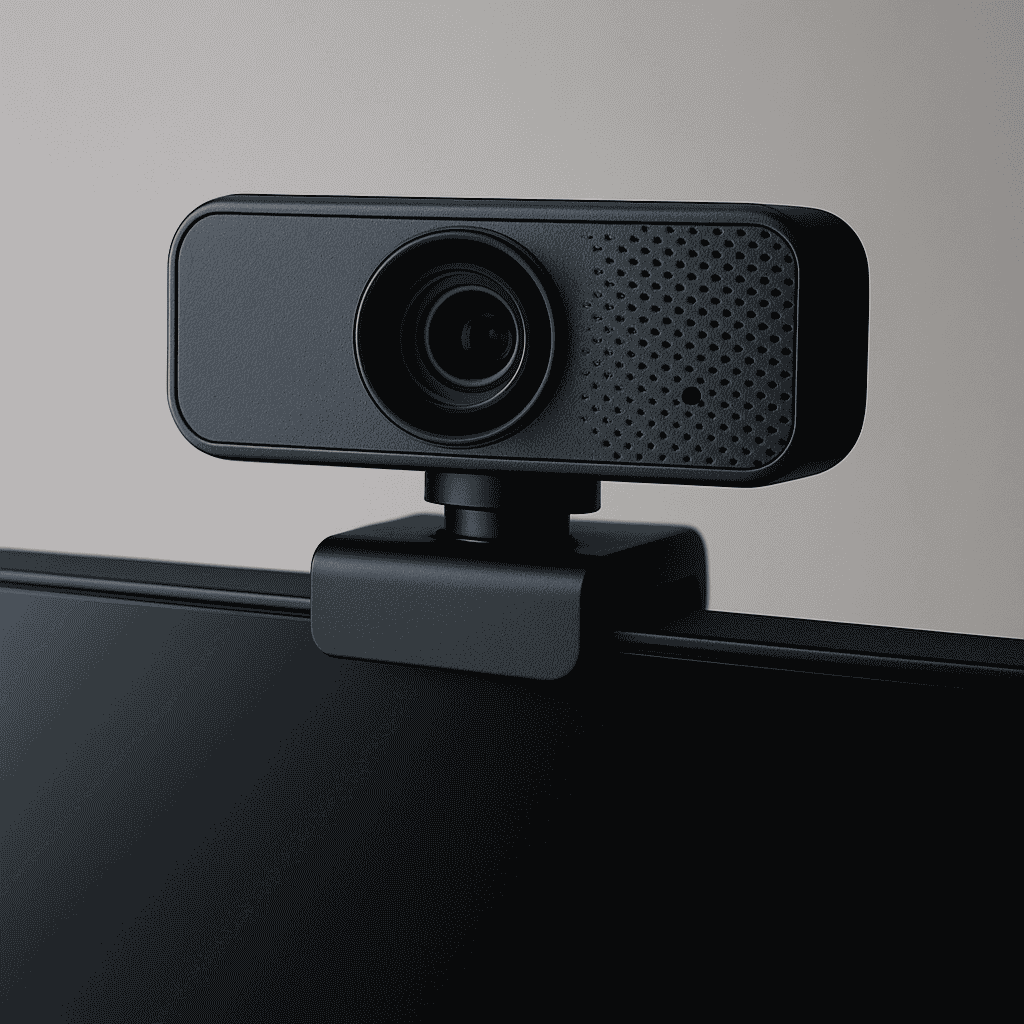
A webcam is a type of digital video camera that streams or records images in real time through a computer connection. These devices are widely used for video calls, live streaming, online meetings, and digital content creation. As of 2025, webcams remain essential in professional and personal settings, particularly in remote work and online learning environments.
Definition
The term webcam refers to a camera that connects to a computer or is integrated into a device, designed to transmit video over the internet. Unlike traditional digital cameras, they are optimized for online communication such as video conferencing, streaming, and instant communication platforms.
History
Video cameras adapted for internet use began appearing in the mid-1990s, when broadband connections made real-time video more practical. Early devices offered low resolution and limited frame rates. Modern versions, however, support high-definition (HD) and ultra-high-definition (UHD) video, autofocus, and enhanced microphones, allowing much clearer visuals and audio.
Uses
These cameras serve a variety of purposes:
-
Video communication – enabling meetings on platforms like Zoom, Microsoft Teams, and Google Meet.
-
Live broadcasting – a preferred tool for content creators on Twitch, YouTube, and other streaming services.
-
Education – assisting remote classrooms and online training.
-
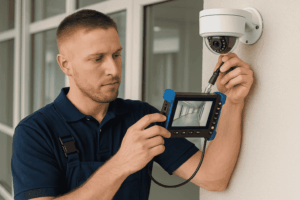
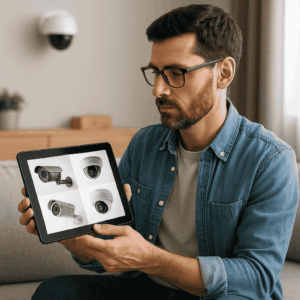
Surveillance – used with monitoring software for security.
-
Digital media production – such as tutorials, vlogs, and webinars.
Features
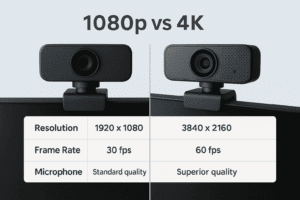
Modern video communication cameras are designed with advanced functions, including:
-
Resolution: Typically 1080p (Full HD), with premium options offering 4K.
-
Frame rate: Usually 30 or 60 frames per second for smooth playback.
-
Built-in microphones: Often include noise-reduction features.
-
Field of view: Adjustable, from narrow angles for individuals to wide settings for groups.
-
Low-light correction: Improves video in dim environments.
-
Privacy shutters: Simple covers to protect user security.
Types of Webcams
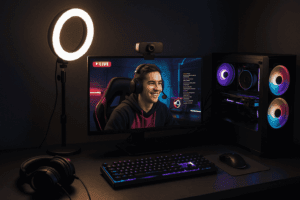
These devices are generally grouped into three categories:
-
General-purpose cameras – Affordable options for casual video calls.
-
Streaming models – Optimized for gaming and live broadcasts with higher resolution and frame rates.
-
Professional versions – Designed for business environments, often with AI tracking and background adjustment.
Webcam vs. Built-in Laptop Camera
Most modern laptops include a built-in camera, but these are typically limited to 720p resolution and lack advanced features. In contrast, external webcams often provide 1080p or 4K video, higher frame rates, better microphones, and wider fields of view. For users who need professional-quality video—such as streamers, educators, or business professionals—an external webcam is usually the preferred choice.
Another advantage is flexibility. External models can be mounted on a monitor, tripod, or adjusted for different shooting angles, whereas laptop cameras are fixed. This adaptability makes them suitable for a variety of environments, from home offices to professional studios.
Setup and Best Practices
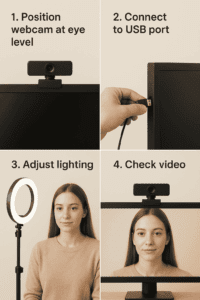
Correct placement and adjustments improve quality. Recommended practices include:
-
Positioning the lens at eye level.
-
Using front-facing lighting, such as a window or ring light.
-
Adjusting resolution and audio settings in conferencing software.
-
Pairing with an external microphone for professional-grade sound.
Future Trends
Advancements in artificial intelligence (AI) are shaping the next generation of these devices. Expected features include:
-
Automatic lighting and color correction.
-
Real-time background replacement.
-
Intelligent facial and motion tracking.
-
Deeper integration with collaboration platforms.
These improvements will further enhance the quality of online communication.
Frequently Asked Questions
What is the best resolution for a webcam?
Full HD (1080p) works well for most activities, while 4K models are recommended for streaming and professional presentations.
Do laptops need an external camera for better video calls?
In many cases, yes. Built-in laptop cameras are often limited to 720p, while external models usually provide higher resolution and clearer images.
Which option is best for streaming?
A high-resolution camera capable of 60 fps, combined with strong low-light performance, is ideal for streaming.
How can picture quality be improved?
Proper lighting, correct camera height, and adjustments in video software can all enhance image quality.
Can these devices be used for security?
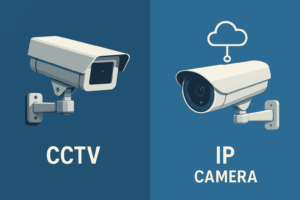
Yes, some can be paired with monitoring software, though dedicated security cameras often provide more specialized features.
Conclusion

Webcams remain a vital tool in both professional and personal environments, powering video calls, online learning, streaming, and more. As technology advances, features like AI tracking, low-light correction, and higher resolutions will continue to shape the way people connect online.
For more guides, tips, and technology solutions, visit AllTechSolutions.us—your resource for staying updated on the latest in digital tools and innovations.