
Ultimate Keyboard Guide 2025: Types, Features, and Buying Tips
Introduction
A keyboard is one of the most essential computer accessories, acting as the main tool for communication, work, and play. From sending emails to executing gaming commands, the right device can improve your speed, accuracy, and comfort. In this ultimate guide, we’ll explore the history of typing devices, their types, features, and expert advice on choosing the best one in 2025.
What is a Keyboard?
A keyboard is a hardware input device that allows users to enter letters, numbers, symbols, and shortcuts into a computer or electronic system. Over time, it has evolved from a simple typewriter-style tool into a high-tech peripheral designed for productivity, comfort, and entertainment.
A Brief History of Typing Devices
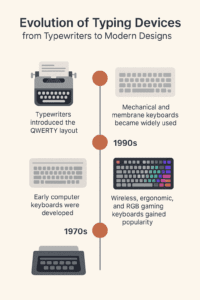
-
1870s: Typewriters introduced the QWERTY layout.
-
1970s: Early computer keypads were created.
-
1990s: Mechanical and membrane models gained popularity.
-
2020s: Wireless, ergonomic, and RGB gaming units became mainstream.
This journey shows how computing shifted from bulky machines to sleek, performance-driven devices we use daily.
Types of Keyboards
-
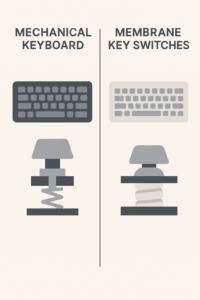
Mechanical Models – Popular among gamers and writers for durability and tactile feedback.
-
Membrane Designs – Lightweight, affordable, and quiet, making them common for office work.
-
Wireless Options – Use Bluetooth or USB dongles for clutter-free setups.
-
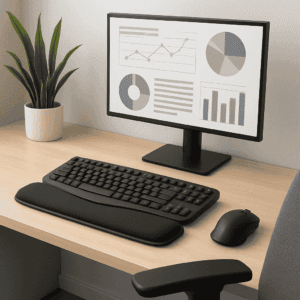
Ergonomic Layouts – Curved or split structures that reduce wrist strain.
-
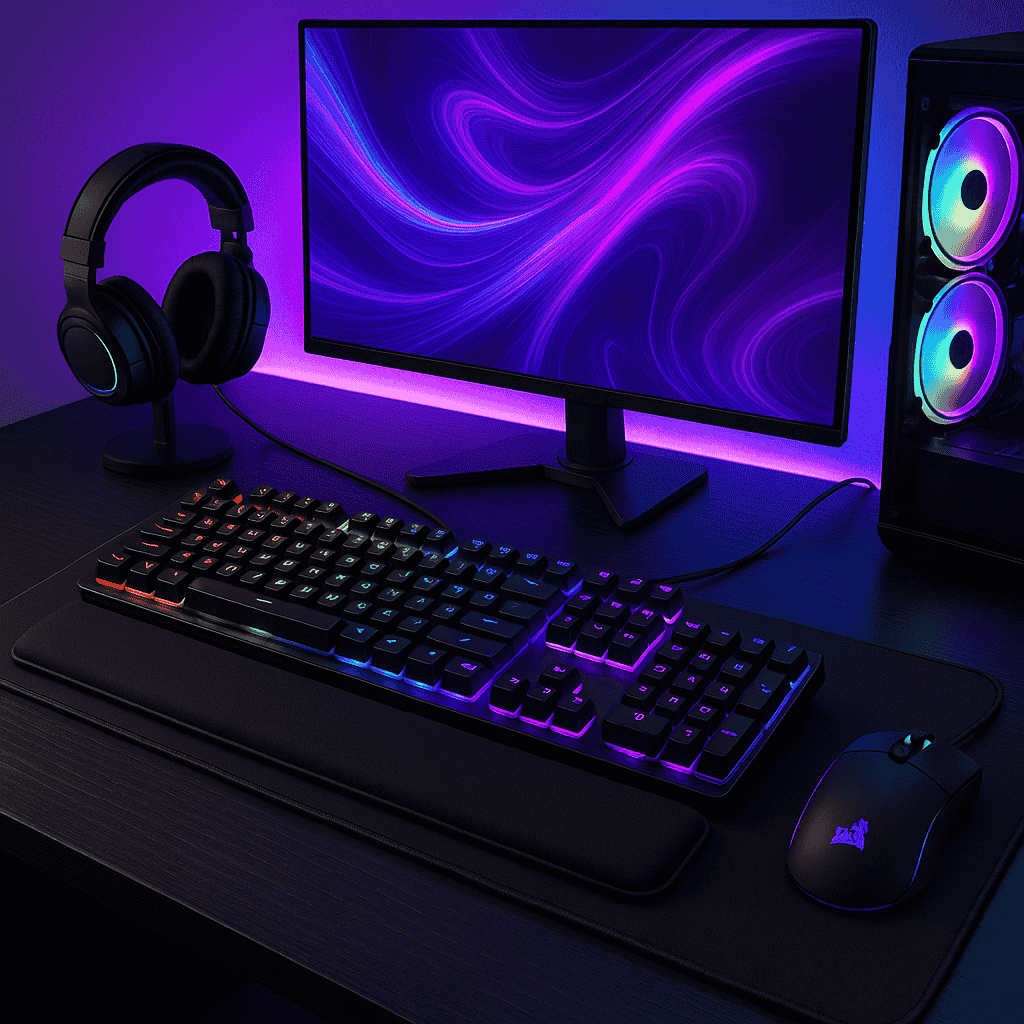
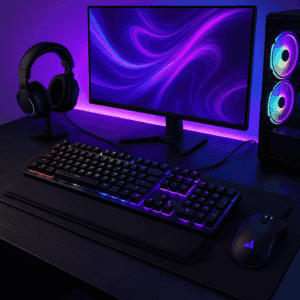
Gaming Devices – Equipped with RGB lighting, macro keys, and ultra-responsive switches.
-
Virtual Keypads – On-screen solutions used in smartphones and tablets.
Features to Look For
When buying a new typing device, consider the following:
-
Switch Type: Mechanical vs. membrane.
-
Key Rollover & Anti-Ghosting: Critical for gamers.
-
Connectivity: Wired for reliability, wireless for flexibility.
-
Design: Compact, ergonomic, or full-sized.
-
Backlighting: RGB or single-color lighting.
-
Frame Quality: Plastic for budget-friendly, aluminum for durability.
How to Choose the Right Device
Different users need different setups:
-
For Office Work: Ergonomic layouts or mechanical switches that support long hours.
-
For Gaming: High-speed mechanical units with custom lighting and programmable keys.
-
For Travel: Slim, foldable, or wireless models.
-
For Budget Buyers: Membrane designs with essential functions.
💡 Pro Tip: If you type daily for extended hours, invest in an ergonomic design to protect your wrists. Gamers should prioritize switch speed and durability.
Maintenance Tips
Keep your computer accessory in top shape:
-
Clean with compressed air regularly.
-
Avoid spills and food near the keypad.
-
Use keycap pullers for deep cleaning.
-
Update firmware if wireless.
-
Pair it with a wrist rest for better comfort.
The Future of Keyboards in 2025 and Beyond
Technology is transforming the humble input device into something smarter:
-
AI-assisted typing for predictive text.
-
Foldable and rollable layouts for portability.
-
Haptic feedback in digital keypads.
-
Eco-friendly materials to reduce waste.
These innovations make modern devices more efficient, portable, and sustainable.
FAQs
Q1: What’s the main difference between a mechanical and membrane design?
Mechanical models use individual switches, while membrane versions rely on pressure pads. The first offers durability and responsiveness.
Q2: Which option is best for gaming?
High-quality mechanical setups with fast switches and customizable keys are preferred by gamers.
Q3: Are wireless devices reliable for office use?
Yes, they reduce desk clutter and provide flexibility, especially for remote or hybrid workers.
Q4: How long does a typical keypad last?
Membrane units often last 5 million keystrokes, while mechanical ones can reach 50–100 million.
Conclusion
From typewriters to advanced RGB gaming setups, the keyboard has come a long way. Whether you’re a professional, gamer, or casual user, knowing the types, features, and benefits will help you select the right model. As 2025 brings smarter, more ergonomic, and eco-friendly innovations, choosing wisely today means better performance, comfort, and productivity tomorrow.
✨ Want more expert advice on technology, accessories, and buying guides? Visit All Tech Solutions for the latest tips, reviews, and solutions tailored for your needs.