

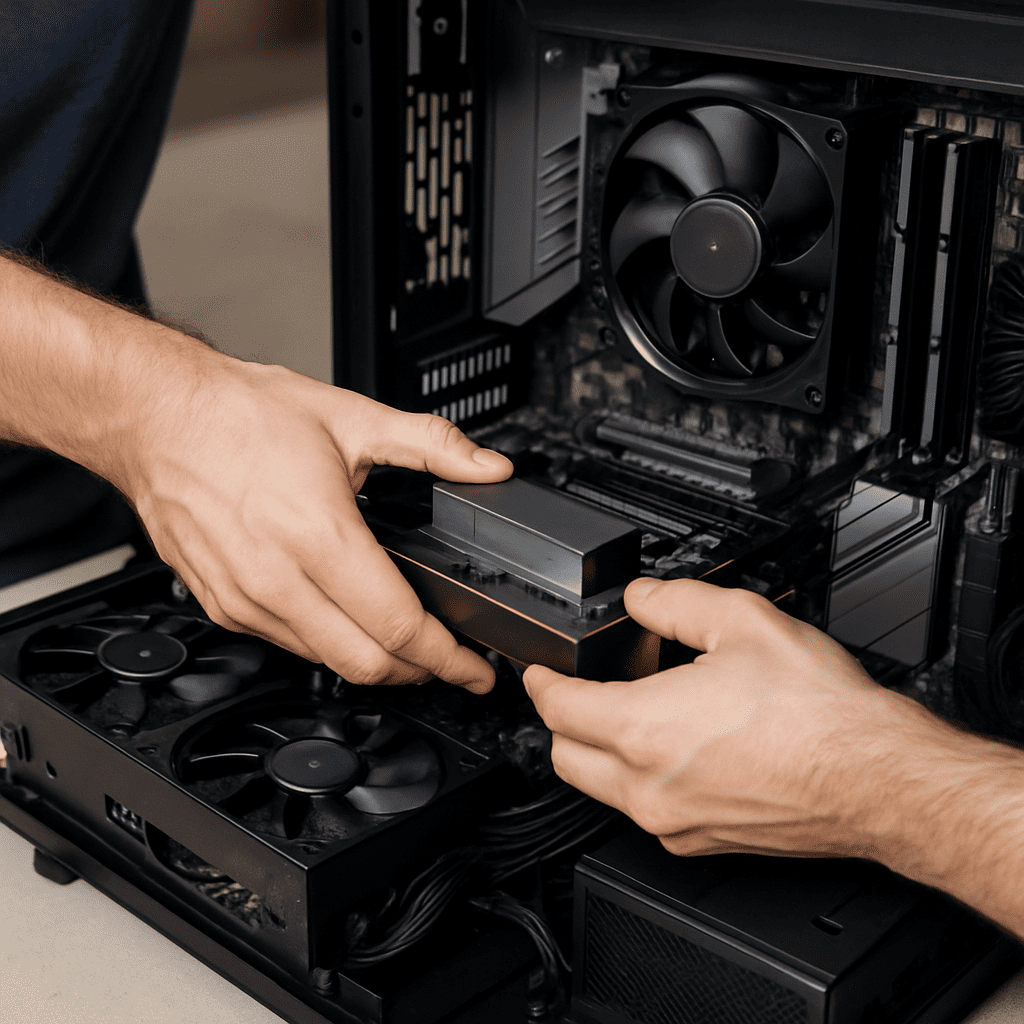
Computer Hardware Guidelines: Complete Guide to Building a Powerful PC (2025)
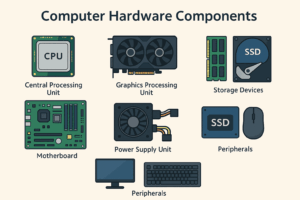
Computer hardware refers to the collection of physical computer hardware components that make up a computer system. Unlike software, which consists of code and instructions, hardware represents the tangible parts that enable a computer to function. These include the central processing unit (CPU), memory, storage devices, input/output peripherals, and supporting systems such as the motherboard and power supply.
This article, provided by AllTechSolutions.us, outlines essential guidelines and definitions for computer hardware in 2025.
Overview
There are several types of computer hardware, including processing units, memory, storage, input/output devices, and auxiliary components. Each contributes to the overall performance, reliability, and usability of a system.
Central Processing Unit (CPU)
The central processing unit (CPU) is the primary component responsible for executing instructions. When examining computer hardware parts and functions, the CPU is considered the most critical, as it directs operations and calculations across the system.
-
Examples (2025): Intel Core i9, AMD Ryzen 9, Apple M-series.
-
Considerations: Thermal Design Power (TDP), socket compatibility, and workload suitability.
📖 Related: Difference Between Chipset and CPU
Graphics Processing Unit (GPU)
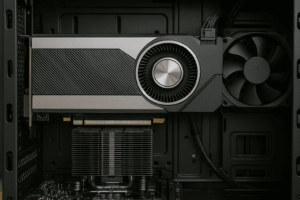
The graphics processing unit (GPU) specializes in rendering graphics and parallel computation tasks. It is critical for gaming, video editing, and artificial intelligence.
-
Types: Integrated GPUs (built into CPUs) and dedicated GPUs (standalone).
-
Examples (2025): NVIDIA GeForce RTX series, AMD Radeon RX, Intel Arc.
📖 Related: Modern GPU Guide
Memory (RAM)
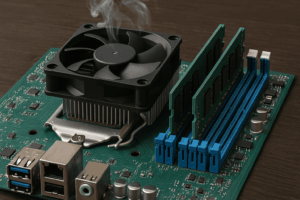
Random Access Memory (RAM) temporarily stores data currently in use by the CPU. The amount and speed of RAM impact multitasking and application performance.
-
Typical capacities (2025): 8 GB (general use), 16 GB (gaming), 32 GB+ (professional workloads).
-
Generations: DDR4, DDR5 (increasing adoption).
📖 Related: Complete Keyboard Guide
Storage Devices
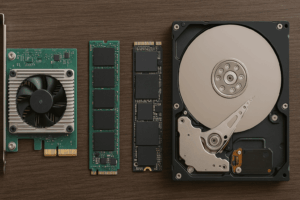
Storage devices are one of the most familiar examples of computer hardware. They provide long-term retention of data and are available in several forms.
-
SSD: Faster access times and durability.
-
HDD: Larger capacity at lower cost.
-
NVMe SSD: High-speed interface standard for modern systems.
📖 Related: Computer Mouse Guide
Motherboard
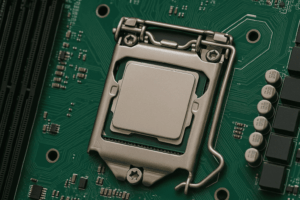
The motherboard is the main circuit board that connects and integrates all components.
-
Form factors: ATX, micro-ATX, mini-ITX.
-
Functions: Houses the chipset, provides expansion slots, controls communication between hardware.
📖 Related: Understanding Chipsets
Power Supply Unit (PSU)
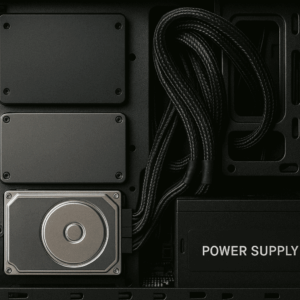
The power supply unit (PSU) converts electrical current into usable power for system components.
-
Ratings: Measured in watts, with 80 Plus efficiency certifications.
-
Guideline: A PSU should provide at least 20–30% overhead above component requirements.
📖 Related: Power Supply Guide
Cooling Systems
Cooling systems prevent overheating and ensure stability.
-
Air cooling: Uses fans and heatsinks.
-
Liquid cooling: Employs liquid circulation for higher efficiency.
-
Passive cooling: Less common, used in low-power devices.
📖 Related: Computer Cooling Systems Explained
Peripherals
Peripherals are external devices that support input, output, or additional functionality.
-
Input devices: Keyboard, mouse, scanner.
-
Output devices: Monitor, speakers, printer.
-
Storage peripherals: External drives and USB devices.
📖 Related: Headphone Evolution Timeline
Building vs. Buying a Computer
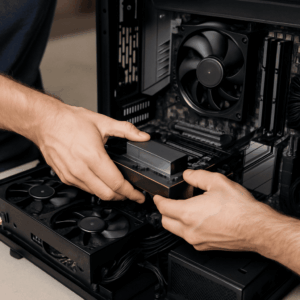
Users may choose to build or purchase a computer:
-
Building: Provides customization, flexibility, and potential cost efficiency.
-
Buying (prebuilt): Offers convenience, technical support, and warranty coverage.
Frequently Asked Questions
Q1. What is the most important hardware component?
While the CPU is often considered the most critical component, balanced performance depends on the interaction of CPU, GPU, RAM, and storage.
Q2. How much RAM is recommended in 2025?
8 GB is adequate for general use, 16 GB is standard for gaming, and 32 GB or more is advisable for professional applications such as 3D modeling or AI workloads.
Q3. What is the main difference between SSD and HDD?
An SSD offers faster performance and reliability, whereas HDDs provide higher storage capacity at a lower cost.
Q4. Is it better to build or buy a computer?
Building allows for customization and cost savings, while buying a prebuilt system ensures warranty support and immediate usability.
Q5. How is PSU capacity determined?
Capacity depends on the power requirements of all components. A margin of 20–30% above the calculated need is recommended.