
Introduction
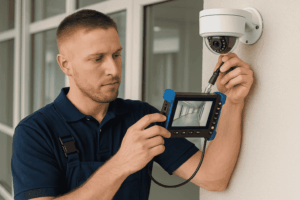
A CCTV mount is a mechanical support that holds a security camera in place, ensuring it captures clear footage from the right angle. Selecting the correct mount type is essential for maintaining stability, achieving proper coverage, and protecting cameras from environmental factors. Whether used in residential, commercial, or industrial settings, the right CCTV mount contributes significantly to the overall performance and longevity of a surveillance system.
If you’re setting up a full surveillance system, you can also read our guides on CCTV power supply setup and CCTV camera cables to ensure a complete and reliable installation.
Types of CCTV Mounts
1. Wall Mounts
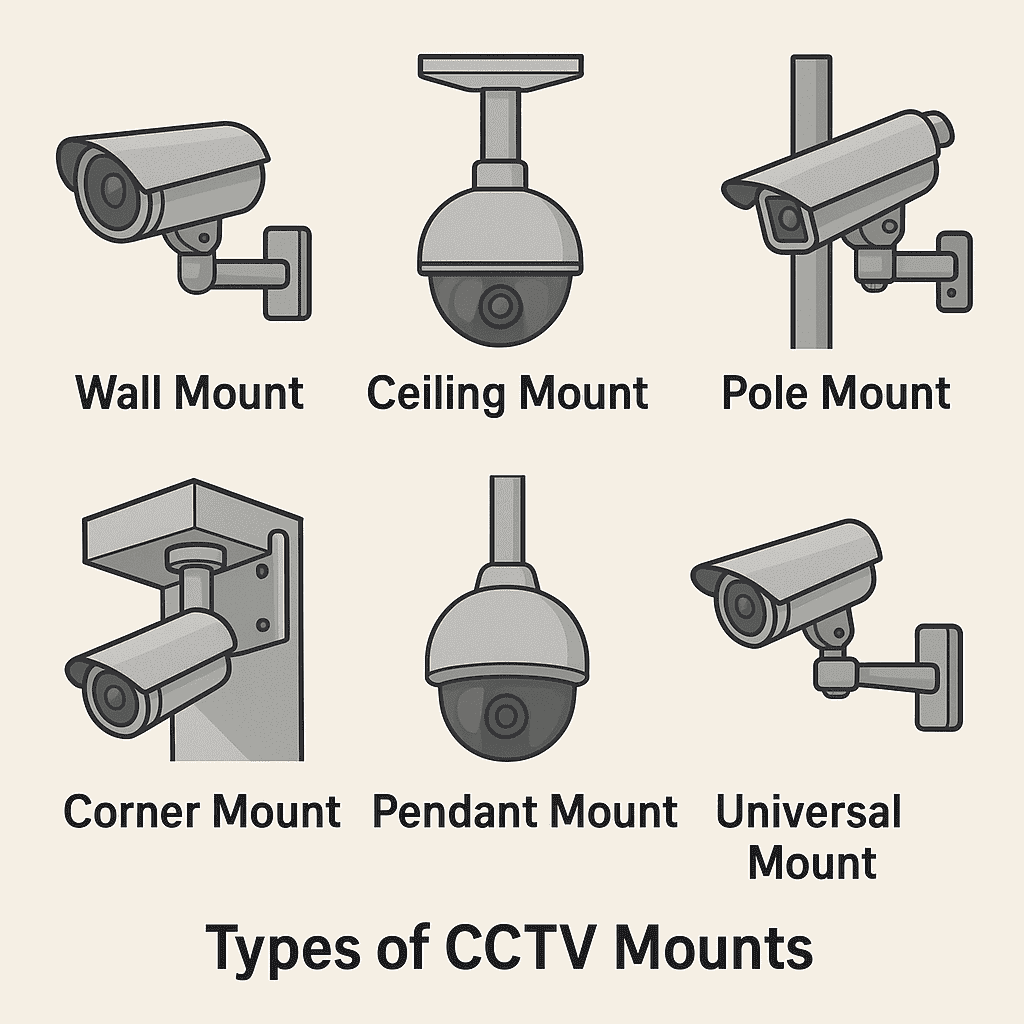
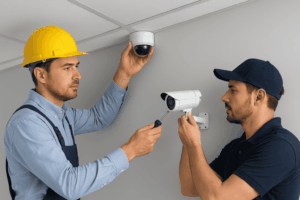
Wall mounts are the most common type, designed to attach cameras directly to vertical surfaces. They provide a stable base for fixed or dome cameras and allow flexible angle adjustments. Wall mounts are ideal for monitoring hallways, building exteriors, and entry points.
2. Ceiling Mounts
Ceiling mounts support cameras that need overhead views. Dome and PTZ (pan-tilt-zoom) cameras often use these mounts to cover wide areas such as lobbies, offices, and retail spaces. They keep wiring hidden and reduce tampering risks.
Learn more about how these cameras operate in our Network Camera Guide.
3. Pole Mounts
Pole mounts attach cameras to poles or lamp posts, commonly used for outdoor and street surveillance. They enable high vantage points for wide coverage and can be paired with weatherproof housings for durability.
4. Corner Mounts
Corner mounts are specialized brackets used to secure cameras on building corners. This position allows cameras to capture two sides simultaneously, reducing blind spots — particularly useful for parking lots and perimeter monitoring.
5. Pendant Mounts
Pendant mounts hang cameras from ceilings or beams using a suspension rod. They are widely used for PTZ cameras in warehouses or commercial spaces that require flexible camera movement and 360-degree coverage.
6. Universal and Adjustable Mounts
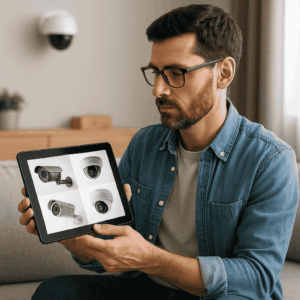
Universal mounts feature adjustable brackets that fit multiple camera designs. They allow tilt, swivel, and rotation, making them suitable for diverse installation scenarios. Their adaptability makes them a popular choice for multi-camera systems.
Mounting Materials and Build Quality
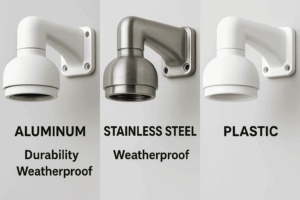
The durability of a CCTV mount depends largely on its material. Aluminum and stainless steel mounts are preferred for outdoor use because they resist corrosion and support heavy cameras. Plastic mounts, while lightweight and affordable, are better suited for indoor installations.
When choosing a mount, always check its load capacity, weather rating (IP rating), and vandal resistance to ensure long-term reliability.
For outdoor systems, pair durable mounts with high-quality CCTV enclosures and power supply units to extend the life of your surveillance setup.
Installation Considerations
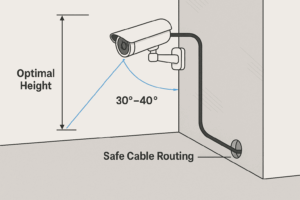
1. Mounting Height and Angle
Proper placement ensures optimal coverage and minimizes blind spots. For indoor cameras, the recommended height is 8–10 feet, while outdoor installations may vary depending on the field of view required.
2. Cable Routing and Concealment
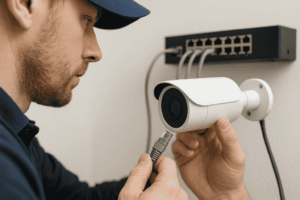
Cables should be neatly routed through conduits or walls to protect against tampering and weather damage. Concealed wiring also maintains a clean and professional appearance. For more details, see our CCTV Camera Cable Guide.
3. Load Capacity and Balance
Ensure the mount’s weight rating matches the camera’s mass. Overloading a mount can cause vibrations or eventual failure, compromising footage stability.
4. Safety and Accessibility
Mounts should be installed in stable, accessible locations for maintenance. Use anchors and screws compatible with the mounting surface (e.g., concrete, drywall, or metal).
Compatibility and Standards
Most cameras follow VESA (Video Electronics Standards Association) mounting standards, ensuring cross-compatibility with different mounts and accessories. However, some manufacturers use proprietary systems, so always verify compatibility before installation.
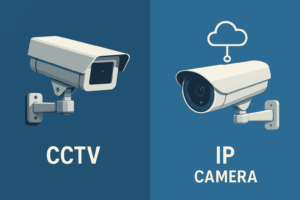
For IP and PTZ cameras, check for mounting adapters designed specifically for each model. This guarantees secure fitting and proper cable management. If you’re using cloud-based or hybrid recording, see our CCTV software comparison guide to ensure your mount supports compatible camera models.
Maintenance and Safety Practices
-
Inspect mounts every few months for loose fittings, rust, or physical damage.
-
Tighten screws and brackets to prevent vibration-induced misalignment.
-
Clean the area around the camera to prevent debris buildup that may affect footage clarity.
-
Replace worn parts immediately to avoid accidents or camera failure.
You can monitor your camera output effectively using a CCTV monitor setup, ensuring all mounts hold their positions correctly.
Advanced Mounting Solutions
Modern surveillance systems increasingly use motorized mounts that allow remote angle adjustment through software. These are ideal for dynamic monitoring environments such as parking areas or large campuses.
Other innovations include anti-vibration mounts and modular brackets that enable easy repositioning or system upgrades.
Conclusion
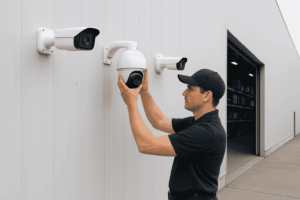
Selecting the right CCTV mount is just as crucial as choosing the camera itself. A well-installed, durable mount ensures consistent video quality, minimizes downtime, and enhances overall system performance.
For professional installation, AllTechSolutions provides expert CCTV mounting and setup services, ensuring your cameras are securely positioned for optimal surveillance coverage.