

7 Types of Computer Cooling Systems – Ultimate Guide with Benefits and Applications
Introduction
A computer cooling system is an essential part of modern computing. These systems regulate the temperature of components such as the CPU, GPU, and power supply, helping ensure reliable operation and longer hardware lifespan. Without proper cooling, excess heat can lead to instability, crashes, or permanent damage.
This guide explores seven different cooling methods, their benefits, and applications, while also answering common questions about thermal management in personal computers and enterprise systems.
Importance of Cooling Systems
All computers generate heat during use, especially when handling demanding tasks like gaming, rendering, or data processing. Effective PC thermal management is necessary to keep temperatures under control. Overheating reduces efficiency, shortens component life, and increases the risk of failure.
For this reason, cooling is considered just as important as performance hardware in both home PCs and professional environments.
Types of Cooling
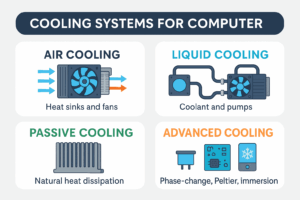
1. Air Cooling
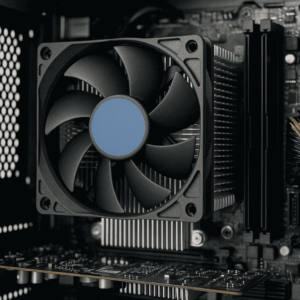
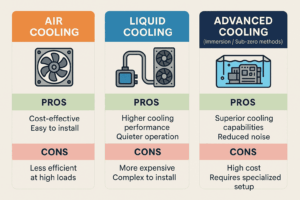
Air cooling remains the most common and cost-effective approach. It relies on heat sinks and fans to push heat away from hot surfaces.
-
Pros: Affordable, widely available, easy to install
-
Cons: Bulkier design, less efficient for overclocked systems
➡ Standard CPU fans are reliable CPU cooling solutions for everyday users.
2. Liquid Cooling
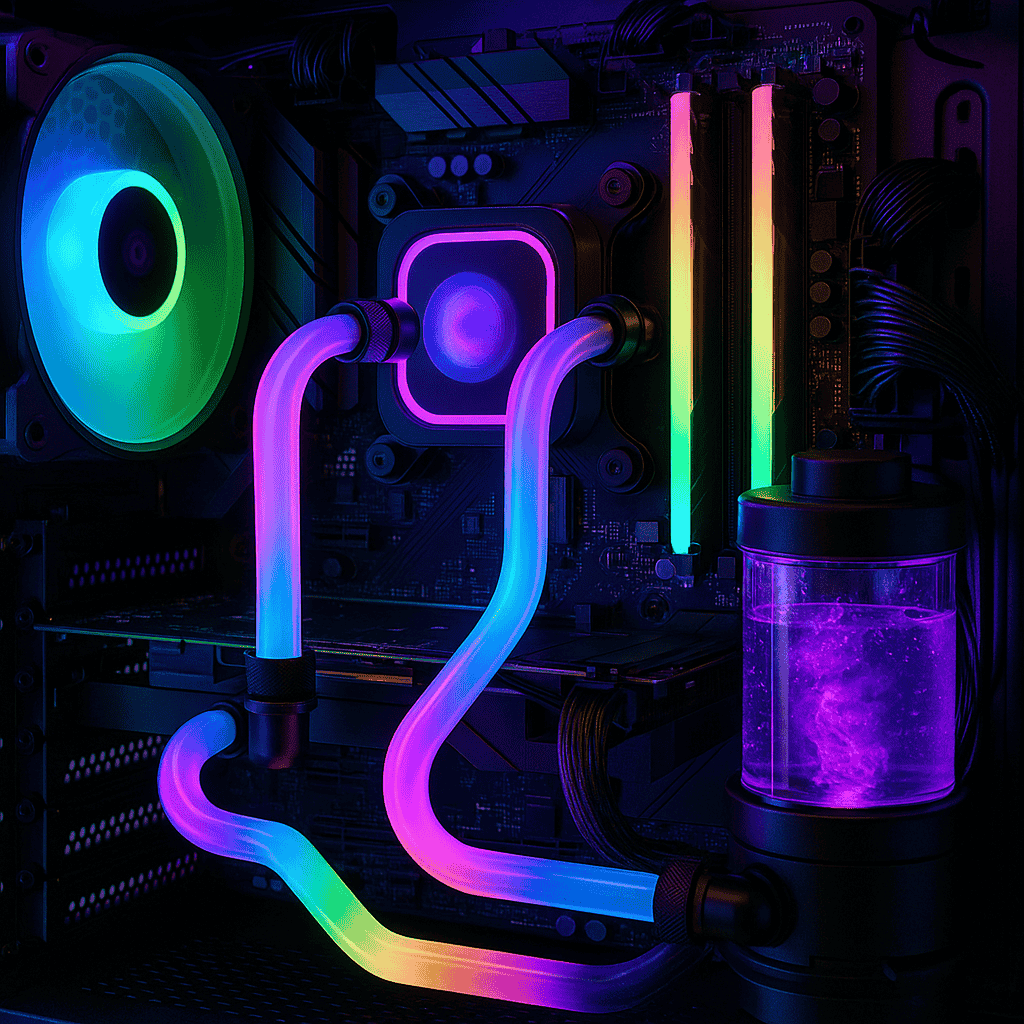
Liquid cooling uses tubes, pumps, and radiators to carry heat away from processors and graphics cards. This method is popular in high-performance builds.
-
Pros: Greater efficiency, quieter operation
-
Cons: Higher cost, requires maintenance
➡ Many gamers adopt it as one of the best GPU cooling techniques for handling heavy workloads.
3. Passive Cooling
Passive cooling depends on large heat sinks and natural airflow, with no moving parts. It is typically found in low-power devices.
-
Pros: Silent operation, durable
-
Cons: Limited heat dissipation, unsuitable for gaming PCs
4. Hybrid Cooling
Hybrid cooling combines traditional fans with liquid cooling for a balance between performance and cost. It provides redundancy while keeping noise low.
5. Immersion Cooling
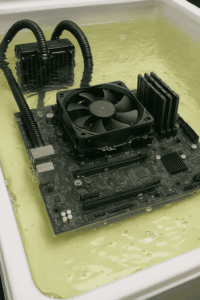
Immersion cooling submerges entire hardware units in non-conductive liquid. Heat is absorbed and dissipated directly by the fluid.
-
Pros: Exceptional temperature control, silent
-
Cons: Expensive, requires specialized setup
➡ Considered one of the most advanced PC heat dissipation methods used in data centers and enterprise hardware.
6. Phase-Change Cooling
Phase-change systems operate like refrigerators, using refrigerant that changes state to absorb heat. This method is primarily used in extreme overclocking.
7. Thermoelectric (Peltier) Cooling
Thermoelectric coolers apply electric current to generate a hot side and a cold side. While effective, they consume a lot of power and are costly.
Benefits of Proper Cooling
-
Prevents overheating and failure
-
Maintains system stability
-
Extends hardware lifespan
-
Enables higher performance through overclocking
-
Reduces overall system noise
Applications
-
Personal Computers: Gaming desktops, office PCs, and creative workstations
-
Data Centers: Large-scale cooling such as immersion methods
-
Laptops: Compact fans and hybrid systems
-
Industrial Systems: Hardware cooling in robotics and embedded devices
Frequently Asked Questions (FAQs)
Q1: What are the most common CPU cooling solutions?
A1: The most common CPU cooling solutions are air coolers with fans and liquid cooling setups.
Q2: Why is PC thermal management important?
A2: Good PC thermal management ensures stable performance, prevents damage, and helps systems run longer.
Q3: What GPU cooling techniques are best for gaming PCs?
A3: Popular GPU cooling techniques include air cooling, liquid cooling, and hybrid models.
Q4: What are advanced PC heat dissipation methods?
A4: Advanced PC heat dissipation methods include immersion cooling, phase-change units, and thermoelectric modules.
Conclusion
From simple air cooling to advanced immersion technologies, choosing the right method depends on performance needs, budget, and hardware type. For most users, air or liquid cooling is sufficient, while enterprises may look to advanced setups.
For more detailed hardware guides, visit All Tech Solutions and explore our blogs on GPUs, Power Supplies, and Computer Memory.